Point of sale
A till a new hire learns in one shift.
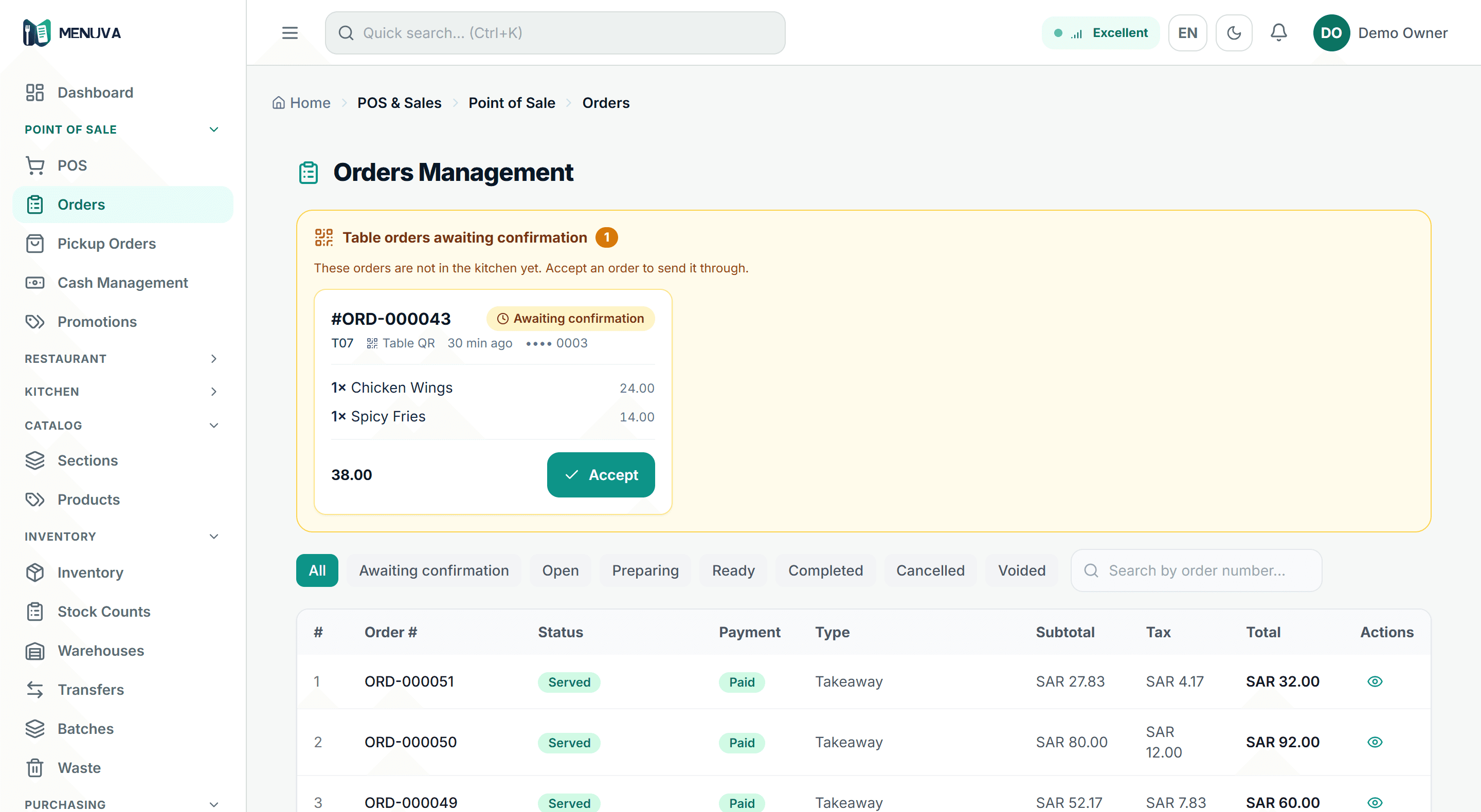
A touch till that sells inside an open shift: dine-in, takeaway and delivery from one screen, prices and VAT calculated by the server, and payment by cash, card or transfer — or split between them.
What happens today
A complicated till means long training and mistakes at the rush. A new hire needs a week before they can stand there alone.
What changes with MENUVA
One screen with items, prices and a clear basket, and a total the server calculates — never the device. Dine-in, takeaway and delivery from the same place, no sale without an open shift and a declared opening float, and discounts, voids and returns each behind a permission.
POS flow
From opening the shift to the journal entry
01Open the shift
With a declared cash float.
Leaves: Shift open
02The sale
Dine-in, takeaway or delivery; price and VAT from the server.
03Payment
Cash, card or transfer, or split.
Leaves: Paid
04The kitchen
The ticket on the kitchen screen, longest-waiting first.
05Accounting
Revenue, VAT and cost of sales post automatically.
Leaves: Posted
And at close: a cash count, with a manager-approved reason for any difference.
Shorter training, fewer mistakes, and a shift that closes on exact numbers.
A new hire sells from their first shift.
No discount, void or return without a permission and a record.
The same total on the till, the invoice and the books.
What it covers
- Dine-in, takeaway, delivery
- From one screen, no switching systems.
- A clear shift
- Open with a float, close with a count, and any cash difference needs a reason.
- Cash, card or transfer
- Split across methods too. No sales on credit.
- Discounts behind permission
- Above the limit it needs a manager's approval.
- Controlled voids and returns
- Each with a reason, a record, and who did it.
- Server-side pricing
- Total and VAT are always computed on the server.
Part of the same workflow
- QR ordering →The guest scans the table's code with their phone camera and orders with their Saudi mobile number — no app, no account. The order reaches the till against that table for staff to confirm, then goes to the kitchen; each guest keeps a separate check settled with one invoice.
- Kitchen display →One kitchen screen shows till orders and QR orders together, ordered by how long they have waited, and the team moves an order — or a single item on it — through the preparation states to served.
- Reports →Reports are built from the same data the restaurant runs on: sales by shift, day and branch, best sellers with their margin, peak hours, stock movement and value, and the financial statements.
How do shifts and business days work?
The till takes no sale without an open shift, and a shift opens with a declared cash float and closes with a count of expected against counted.
Any cash difference needs a reason, which the server enforces, and a manager approves or rejects it. The business day has a cutoff you set, so after-midnight sales land on the right day. The day is closed by the owner or a branch manager — not a cashier — never while a shift is open, and never automatically.
Every MENUVA answer →Try it on your restaurant.
14 days free, with no bank card.